Presentation Mode: Off

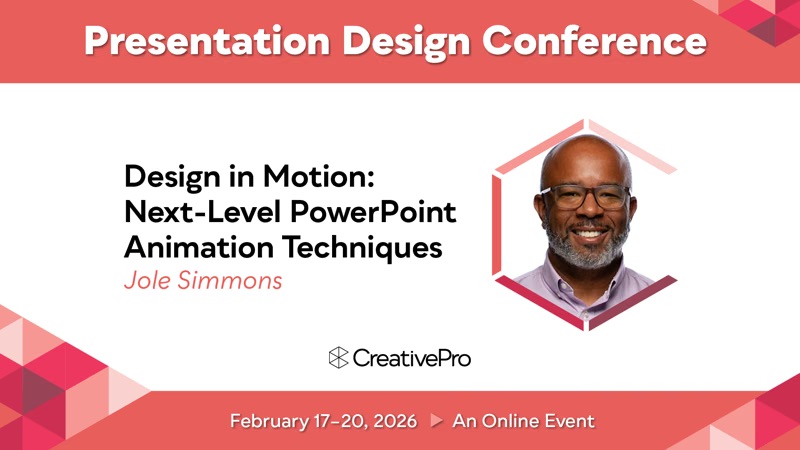
Design in Motion: Next-Level PowerPoint Animation Techniques

About this Spotlight

PowerPoint is often treated like a static reporting tool—bullet points, charts, and the occasional polite fade-in. But that’s selling it way short. PowerPoint is actually a powerful motion design environment hiding in plain sight. With animation, Morph, video, GIFs, and a little creative thinking, it can transform flat information into something engaging, cinematic, and memorable. This session is about unlocking that potential—and thinking like a motion designer while staying entirely inside PowerPoint.


What you'll come away with

PowerPoint is far more than a basic slide tool — it’s a capable motion design environment that, through features like animation, Morph, video, and GIFs, can turn static information into dynamic, cinematic experiences.

Details

Category
Runtime
45min 57sec
Source
Event

Up Next

49min 17sec
Smart Presentation Alternatives for Modern Times
CreativePro Admin
48min 17sec
First Steps with Animation: PowerPoint’s Most Important Tool
CreativePro Admin